

Platforms and e-commerce · Singapore
Choosing between CMS, WordPress, Shopify, and custom builds
The platform you build on decides a lot about your costs, your flexibility, and how much maintenance you take on.
Why this page exists
This page explains the common options, what each is good at, and where the trade-offs sit. It is written for people who need to make a decision, not for developers.
There is no option that is cheap to build, cheap to run, and endlessly flexible at the same time. Reading the four common routes side by side usually settles the question faster than a proposal document, because you can see which costs arrive up front and which ones arrive every month.
What each platform is actually for
Four routes cover most business projects in Singapore. The rows below are a rough map, not a ranking — each one is the right answer somewhere.
A content management system
Brochure sites, blogs, corporate sites that change regularly. You edit pages and media without touching code.
Best when content changes often and a standard structure fits
WordPress
Everything from a five-page site to a content-heavy portal, with plugins covering most common needs.
Best when you want a wide local support pool
Shopify
Hosting, checkout, and security handled for you, on a standard catalogue, cart, and shipping model.
Best when the store follows a conventional shape
WooCommerce
A store running on WordPress, with the catalogue and its data living inside your own system.
Best when custom store logic matters more than ease
A custom web app
Portals, dashboards, marketplaces, and internal tools written for your specific requirements.
Best when off-the-shelf software does not match the workflow
Shopline plays a similar role to Shopify in some markets
Storefront vs self-hosted vs custom
The default choice
What a CMS actually does
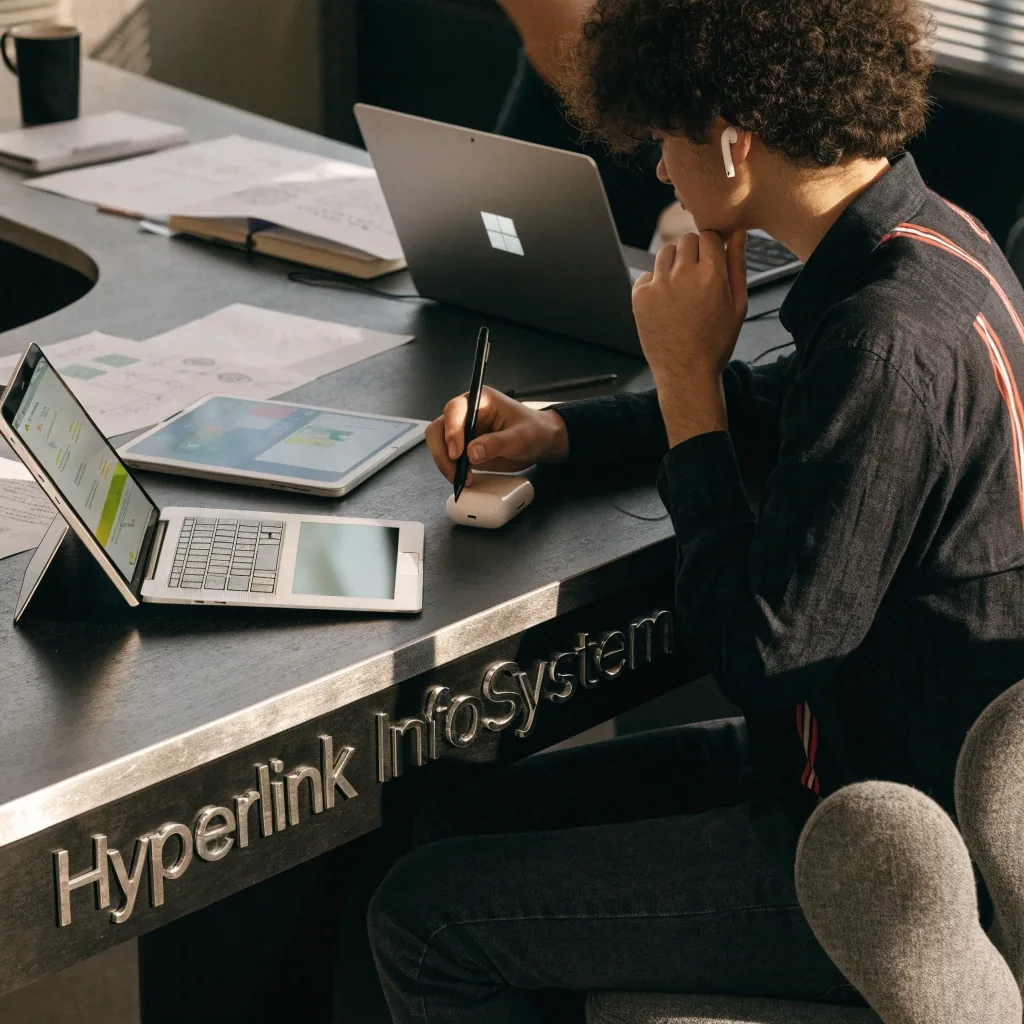
A content management system lets you edit pages, posts, and media without touching code. WordPress, Drupal, and similar systems are the standard choice for brochure sites, blogs, and corporate sites that change regularly.
The trade-off is that you inherit the platform's quirks, plugin ecosystem, and update cycle. Somebody still has to install updates, watch for plugin conflicts, and check that a theme change has not broken a form. That work is small when it is done on a schedule and expensive when it is done in a hurry.
For most Singapore business websites, a CMS is the sensible default. It is widely supported, so you are not locked into one studio. If the team that built your site becomes unavailable, another developer can pick up a standard CMS build without starting over.
What to check before you commit
Ask which plugins the build depends on, who owns the hosting account, and how updates are handled after launch. Those three answers tell you more about the ongoing cost than the platform name does.
Why WordPress is so common here
WordPress powers a large share of business sites because it is flexible, well documented, and supported by many local developers. It handles everything from a five-page site to a content-heavy portal. Plugins cover most common needs.
That flexibility is also its weakness. Plugin quality varies, and a site with too many of them becomes slow and fragile. A build that adds a plugin for every small request ends up with a maintenance list longer than the original feature list. Discipline matters more than the platform itself.
Keep the plugin count low
Each plugin is a small dependency that has to keep working after every update. Fewer, well-chosen plugins age better than a long list nobody remembers adding.
Plan the content model early
Deciding how pages, categories, and media are organised before the build starts is cheaper than reorganising a live site later, when URLs and search results are already in place.
Choose hosting deliberately
Shared hosting is cheap and shows it during traffic peaks. Managed hosting costs more per month and removes a category of late-night problems. Either can be right, as long as the choice is deliberate.
When Shopify is the better fit
Shopify handles hosting, checkout, and security for you. For a store with a standard catalogue, cart, and shipping model, it removes a lot of the work that makes e-commerce builds expensive. If your store is conventional, it is usually faster and cheaper to run than a custom build. If your checkout or pricing model is unusual, you will fight the platform.

A store with a conventional catalogue, cart, and delivery model is exactly the shape a hosted platform was designed around.
Watch the monthly subscription and transaction fees
Unusual pricing rules are the usual friction point
More control, more responsibility
WooCommerce and other self-hosted stores
WooCommerce runs on WordPress and gives you full control over the store and its data. That flexibility comes with responsibility: you manage hosting, performance, security, and updates yourself. It suits stores that need custom logic or want everything in one system.
It is not the easier option. It is the more controllable one. If your team already runs WordPress and wants orders, stock, and content in one place, that control is worth the extra work. If nobody on the team wants to think about server maintenance, it is not.
What you take on yourself
- Hosting and performance. Server capacity, caching, and image sizes are your decisions, and they show up directly in page speed.
- Security and updates. Core, theme, and plugin updates arrive on someone else's schedule. Skipping them is how most problems start.
- Backups and recovery. Orders and customer records live in your database, so the backup routine is a business question, not a technical one.
What a custom web app changes
A custom build is written for your specific requirements rather than configured from an existing platform. It fits portals, dashboards, marketplaces, and internal tools where off-the-shelf software does not match the workflow.
The trade-offs are real: higher upfront cost, longer timelines, and a long-term relationship with whoever built it. Documentation and code ownership become critical. If the code lives only in a studio's private account and nobody else can read it, you have bought a dependency rather than an asset.
Ask for the repository, the deployment notes, and a short written description of how the system is put together. A custom web app is worth that paperwork on the day you need to change it without the original team.

Custom work starts with describing the workflow in plain language before anyone writes code.
Cost and maintenance
There is no option that is cheap to build, cheap to run, and endlessly flexible. Pick which of those three matters most to you, and plan the other two honestly.
CMS sites
Cheapest to build, moderate to maintain. The ongoing cost is updates, plugin care, and hosting.
Shopify stores
Cheap to run, with a monthly subscription and transaction fees that scale with sales.
Custom builds
Most expensive up front and the most engineering to keep alive, in exchange for fitting the workflow.
Migrating later is possible, but costly
Platform decisions are not permanent, but changing them is expensive. Moving a WordPress site to Shopify, or a store to a custom build, means rebuilding structure, content, and integrations.
Choose for the next two or three years, not forever, and document what you build so a future migration is less painful. Page structure, product data, redirects, and third-party connections are the four things that decide how hard a move will be. A written record of each one turns a rebuild into a planned project.
Keep a content inventory
Know how many pages, products, and media files exist. Migrations are quoted on volume, and surprises there are what blow up timelines.
Own your domain and data
The domain registration and the export of your content should be in accounts you control, not only in a studio's account.
A simple way to decide
Ask two questions. Does a standard store or CMS cover your requirements? If yes, use one. If no, you need a custom build, and you should plan for the higher cost and ongoing maintenance.
A standard option covers it
Your catalogue, pages, and checkout follow a shape the platform already supports. Choose WordPress for content-led sites, Shopify for conventional stores, and budget for updates and hosting rather than engineering.
Nothing standard fits
Pricing, fulfilment, permissions, or internal workflows fall outside what a configured platform does well. A custom web app is then the honest answer, with a longer build and a real maintenance plan attached to it from day one.
Most businesses land on the standard option. That is a good outcome, not a compromise. Choosing a simpler platform and keeping the budget for content, photography, and steady improvements usually does more for a site than paying for software nobody needed.
Questions people ask before choosing
Is WordPress secure?
It can be, with regular updates, careful plugin choices, and decent hosting. Most problems come from neglect rather than the platform.
Can Shopify handle a large catalogue?
Yes, it handles large catalogues and high traffic. Very unusual pricing or fulfilment rules are where it becomes awkward.
Should I choose a custom build to be safe?
Only if your requirements genuinely need it. Custom builds cost more to create and to maintain, so they should solve a real problem.
How should we compare studio quotes for the same platform?
Line up the scope, not just the total. Check whether hosting, content entry, plugin licensing, and post-launch support are included, and whether the proposal names the platform version and the plugins it depends on. Two quotes for the same platform can describe very different amounts of work.
Where to go next
If the platform question is settled, the next useful step is understanding how a build is actually run, or comparing the studios that would run it.
Still deciding?
Send us a short description of what the site or store has to do — catalogue size, checkout rules, who will edit it, and how often. We answer with which platform we would look at first, and what to check in any proposal you receive.
Send a questionAvenida Bernardo O'Higgins 2100, 8320000 Santiago, Región Metropolitana, Chile
Monday to Friday, 9:00 AM – 6:00 PM